
Shutter Value
Understanding Shutter Value (Tv) | Control Motion in Photography
Learn how shutter value (Tv) affects your photos. Discover how to freeze fast action, create motion blur, and balance light by mastering shutter speed settings on your camera.
Shutter Value on Your Camera
Mastering Shutter Value on Your Camera
If you have your DSLR camera or equivalent close by, compare your camera’s Shutter Priority Mode with the advice on this page. Remember that terms for camera modes may slightly vary with each manufacturer.
Shutter Value Priority Mode
Understanding Shutter Value (Tv) | Control Motion in Photography
The shutter value (or shutter speed) refers to how long the camera’s shutter stays open when taking a photo. It directly controls the amount of light that reaches the sensor and how motion is captured. A fast shutter speed (like 1/1000s) freezes action, making it perfect for sports, wildlife, or any fast-moving subject where sharpness is essential. A slow shutter speed (like 1/15s or even several seconds) allows more light into the camera, which can create intentional blur. This is commonly used in low-light conditions, or creatively to smooth out flowing water, capture light trails, or show a sense of motion.
Choosing the right shutter value often depends on both light conditions and the creative effect you want to achieve. For example, at sunset or in dim environments, slower shutter speeds may be necessary, but they require a tripod to avoid camera shake. In bright daylight, faster shutter values not only prevent overexposure but also give crisp, sharp results for subjects in motion. Mastering shutter control is essential for balancing technical exposure with artistic vision.

Freezing Motion
To capture sharp images of fast-moving subjects like sports players or wildlife, use a fast shutter speed. Typically, 1/500s or faster is ideal. This minimizes motion blur and ensures your subject is in focus.
01
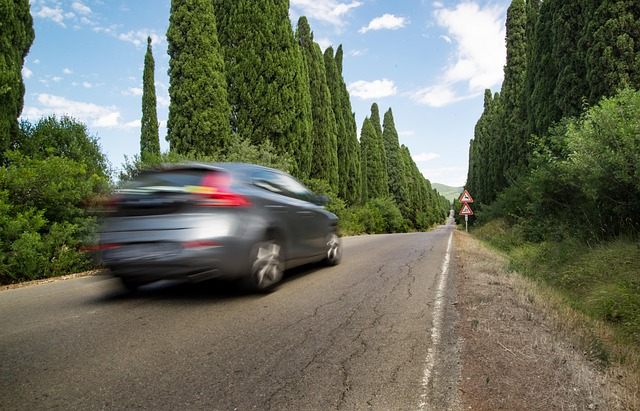
Creating Motion Blur
For a sense of movement, use slower shutter speeds. This technique is great for photographing waterfalls, car trails, or any scene where you want to convey motion. Shutter speeds like 1/30s or slower work well, but using a tripod is crucial to prevent camera shake.
02
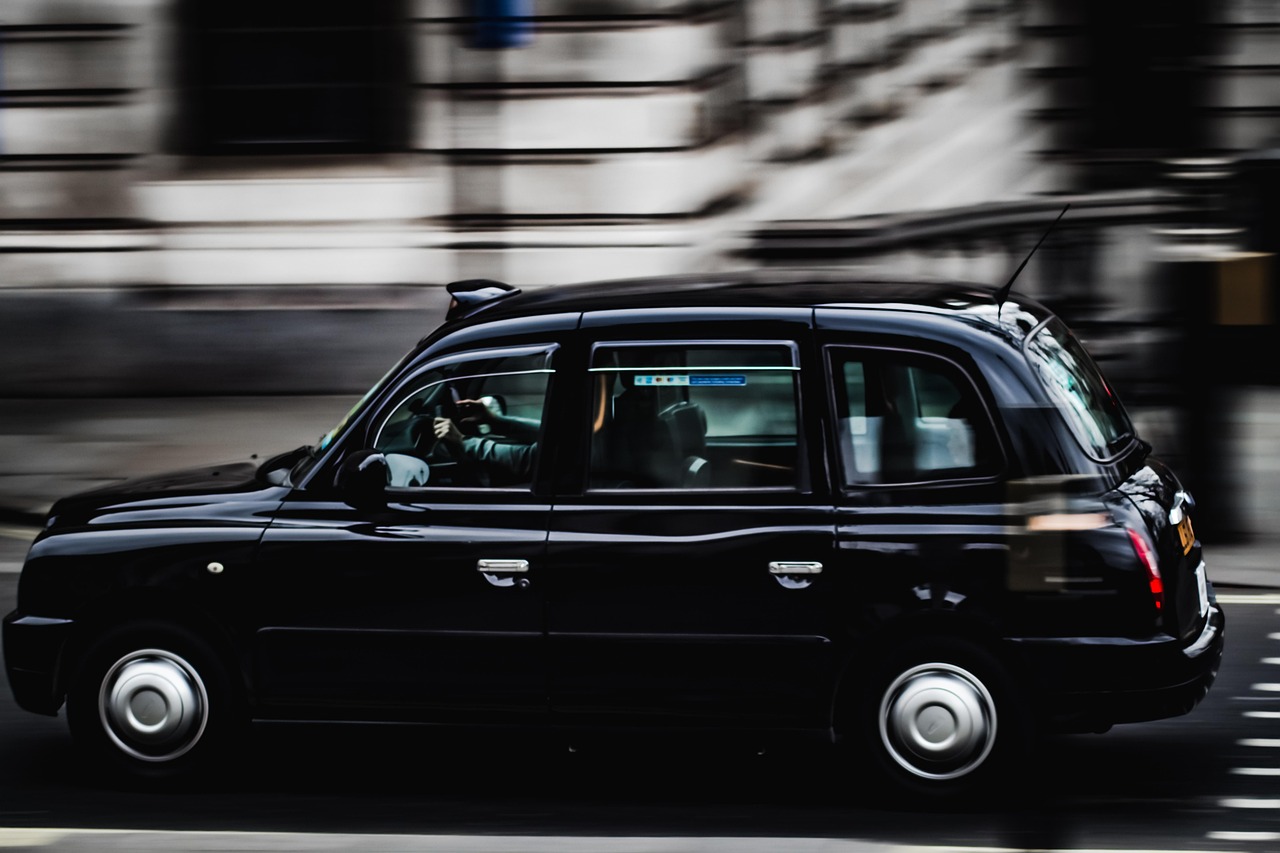
Panning Shots
Panning involves moving your camera along with the subject. Use a moderate shutter speed (e.g., 1/60s) and follow the subject’s motion. This technique keeps the subject sharp while blurring the background, creating a dynamic effect.
03

Low Light Situations
In low light, slower shutter speeds allow more light into the camera. While this can result in motion blur, it’s useful for night photography or capturing ambient light. Using a tripod or stabilizing your camera is essential.
04
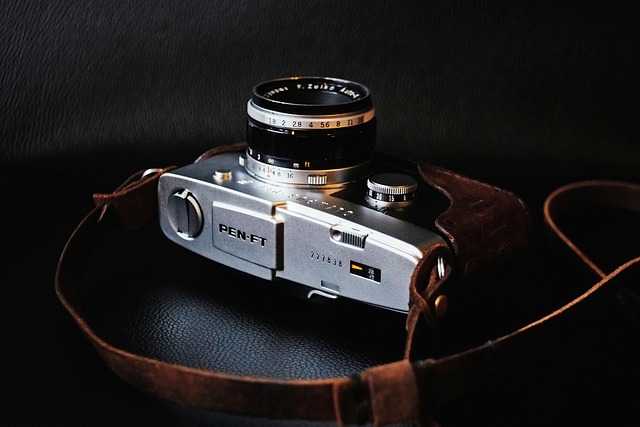
Experiment With Settings
Every shooting situation is different. Experiment with various shutter speeds and observe the results. This practice helps you understand how different speeds affect your images and improves your skills.
05
How to Use Shutter Priority
1. Set Your Camera to Shutter Priority Mode: Turn the mode dial to “S” or “Tv”.
2. Select Your Desired Shutter Speed: Use the camera’s command dial to choose a shutter speed that suits your shooting situation. Faster speeds (e.g., 1/1000s) freeze motion, while slower speeds (e.g., 1/30s) can blur motion.
3. Focus and Shoot: Aim at your subject, half-press the shutter button to focus, and fully press it to take the photo. The camera will adjust the aperture to achieve proper exposure.
07
Common Mistakes and How to Avoid Them
1. Camera Shake: Using slow shutter speeds without a tripod can result in blurry images. Always stabilise your camera when using shutter speeds slower than 1/60s.
2. Overexposure/Underexposure: While the camera adjusts the aperture, extreme lighting conditions might still lead to incorrect exposure. Check your histogram and use exposure compensation if needed.
3. Ignoring ISO: In darker conditions, increasing the ISO can help maintain a faster shutter speed without compromising exposure. However, be mindful of increased noise at higher ISO levels.
08
Conclusion: Enhancing Your Photography Journey
Understanding Shutter Value (Tv) | Control Motion in Photography
Shutter Priority Mode is a powerful tool in a photographer’s arsenal, offering the perfect balance between creative control and ease of use. By mastering this mode, you can capture stunning images with the desired motion effects, whether it’s freezing a moment in time or beautifully blurring motion. Remember to experiment, practice, and have fun exploring the possibilities with Shutter Priority Mode.